Control Keepresso from Shortcuts, Raycast, or a script
Keepresso is a menu-bar click, but you can also drive it hands-off from Shortcuts, Spotlight, Siri, Raycast, Alfred, or any script, using its Shortcuts actions and URL scheme.
Shortcuts actions
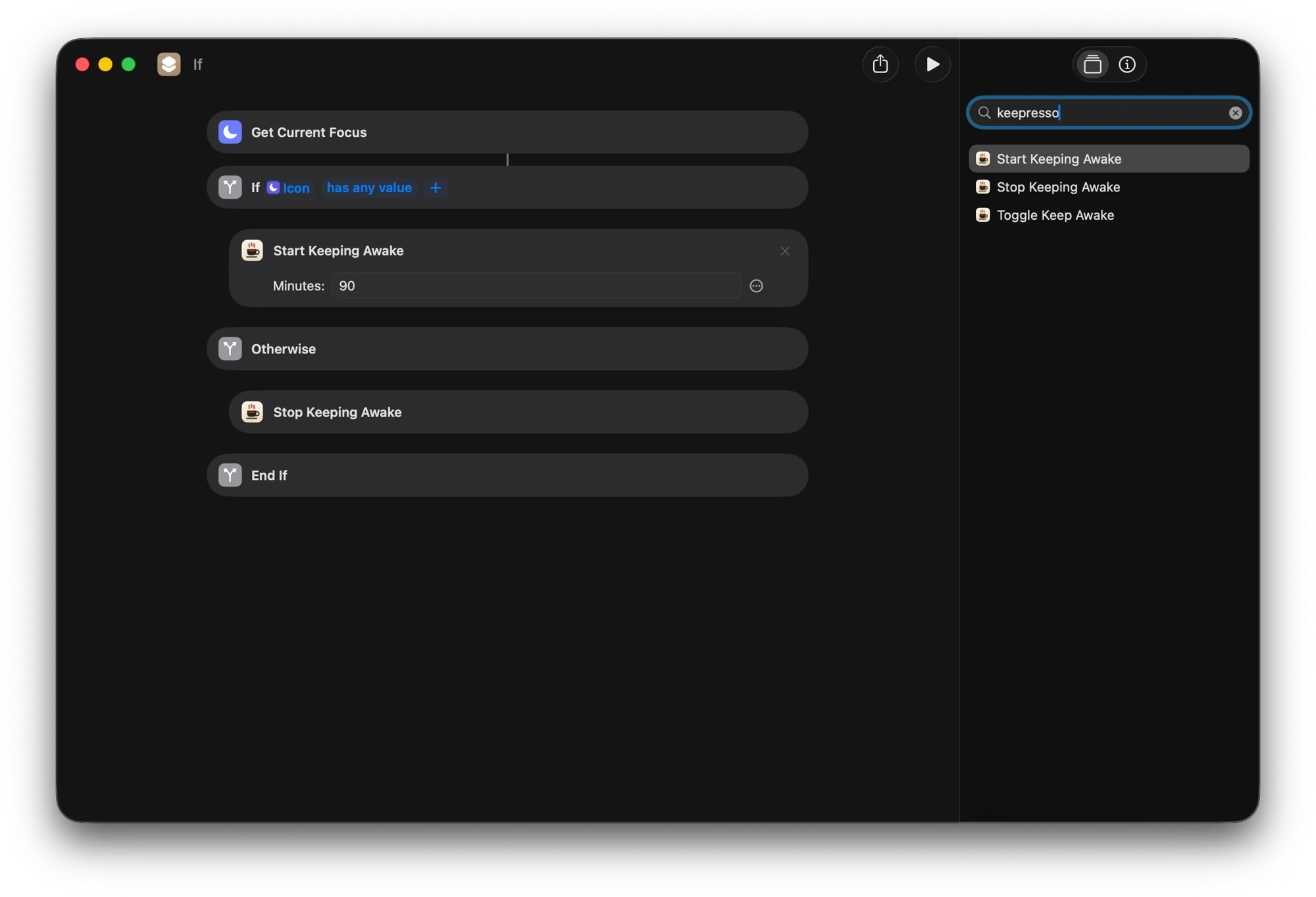
Keepresso ships native Shortcuts actions you can drop into any shortcut, or run straight from Spotlight and Siri:
- Start Keeping Awake (optionally for a set number of minutes)
- Stop Keeping Awake
- Toggle Keep Awake
URL scheme
For Raycast, Alfred, or a shell script, open a keepresso:// URL:
keepresso://start              start an open-ended session
keepresso://start?duration=60  start for 60 minutes
keepresso://start?until=18:00  keep awake until 18:00
keepresso://stop               stop the session
keepresso://toggle             toggle it
From a terminal or a script, open "keepresso://start?duration=90" does the same. If you would rather use a real command with a proper exit code and status, reach for the keepresso command-line tool.
They stick
Any command from Shortcuts or a URL pauses your triggers first, so the session you asked for actually holds, instead of a trigger rule overriding it a second later.
Glanceable control: widgets and Control Center
Two lighter surfaces let you check or flip a session without opening the menu.
Desktop and Notification Center widgets (macOS 14 and later) show whether a session is running and, for a timed session, how long is left, updating live. The medium widget also carries Stop and Pause Triggers buttons; the small square widget is a compact status glance. Add one by right-clicking the desktop, or opening Notification Center, and choosing Edit Widgets, then find Keepresso and pick a size.
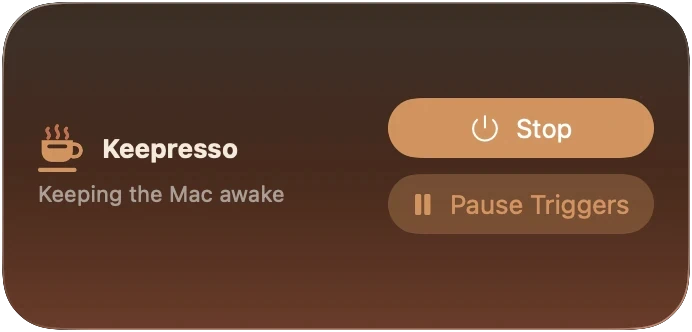
Control Center toggle (macOS 26) adds a Keepresso switch beside Wi-Fi and Focus, so you can start or stop a session from the same place you flip the rest of the system. Add it under System Settings, Control Center, then drag it into the layout you prefer.
Event hooks: automation in the other direction
Shortcuts and URLs drive Keepresso. Event hooks let Keepresso call back. Under Preferences, Automation, add a hook that runs a Shortcut, POSTs a webhook, or runs a shell command when something happens:
- a session starts or ends
- a trigger fires or releases
- the battery or thermal pause hits, or the thermal stage changes
- an AI agent goes idle
The classic use is a push to your phone when an overnight agent run finishes: point a webhook at an ntfy topic, or run a Shortcut that sends a notification, on Agent went idle. A shell hook can kick off anything else, from git push to powering down a lamp.
One safety note: importing a settings file brings in any shell-command hooks switched off, so a shared or downloaded file cannot run a command behind your back. Review and re-enable them under Preferences, Automation.
For scripts and AI agents
Shortcuts and URLs are for you. For automation that runs unattended, Keepresso has purpose-built surfaces: bounded automation leases a script or agent keeps renewing while it works (so a crash can never pin the Mac awake), an MCP server, and a bundled agent skill your agent installs in one click. See let AI agents keep your Mac awake.
Get Keepresso
Free and open source, for macOS 14 and newer. Install it and keep your Mac awake on your terms.
More in Using Keepresso